LGM keeps your money safe

Discover the advanced technology we use to keep you and your money safe, and why we're the trusted choice for millions

Image

We only use secure channels

Our apps infrastructure is so solid that fraudsters resort to social engineering to gain access. Rest assured, when we reach out to you, it will only be through our secured, in-app chat, whatsapp and Email. If you ever receive a phone call from someone claiming to be from LGM Global, hang up to the phone. It’s Fraud!

Image

Control your security

Our goal is to provide you with peace of mind. While we stay vigilant on our end, we're also putting you in full control. The LGM platform, equipped with a suite of groundbreaking security features, makes it easy for you to always stay one step ahead.

Image

Delayed Payments

Our algorithms monitor all transactions. The moment a transaction is flagged as suspiscious, we'll notify you and give you 24 hours to cancel the payment if needed.

Safety Lock: Reporting Issues Immediately

Account & Login Security Tips

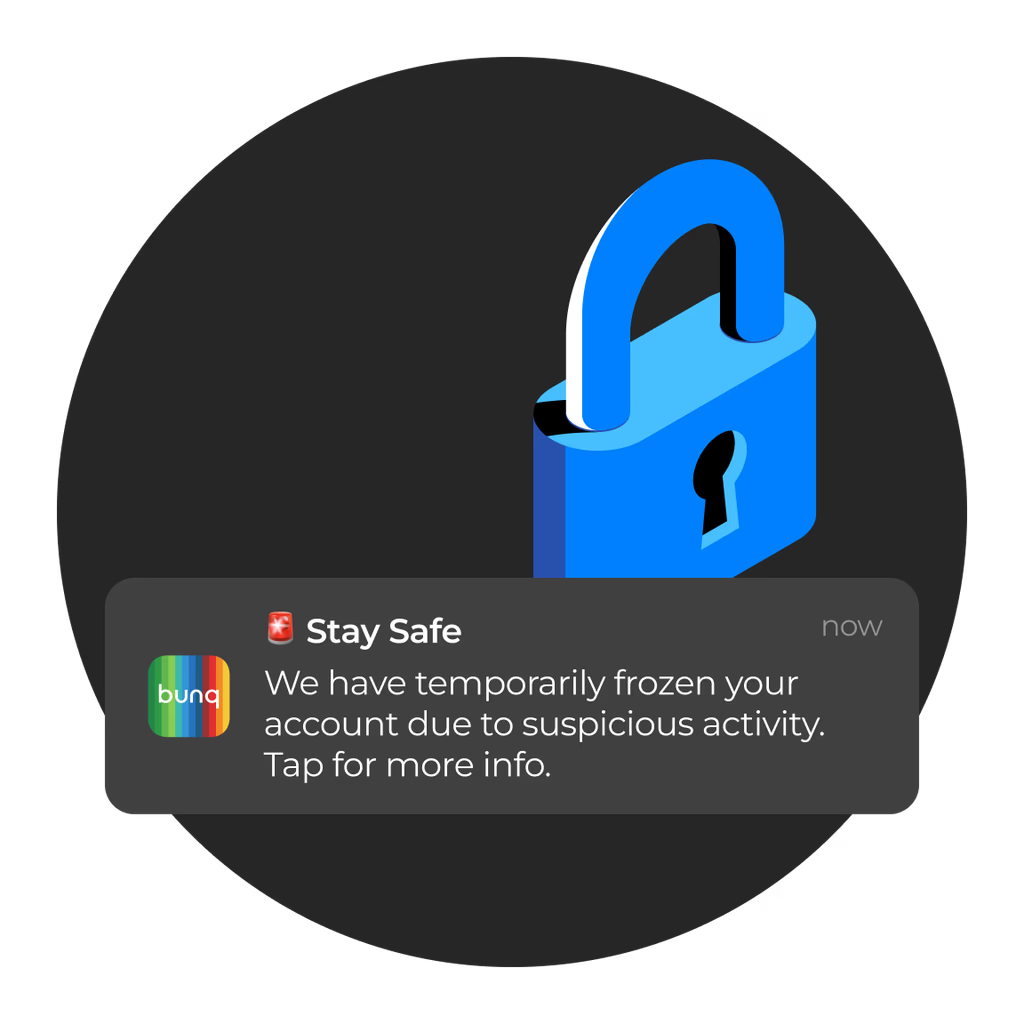
If our systems notice any suspicious activity on your account, we’ll temporarily freeze it in order to secure your funds. Only once you verify your identity will we unlock your account.

  • Use two-Factor Authentication (2FA)
  • Don't Share: Never share your login details with anyone.
  • Strong Passwords: Create complex, unique passwords
  • Strong Passwords: Create complex, unique passwords
  • Secure Mobile Devices: Use PIN, fingerprint, or face ID to lock your phone.
Open An Account

1 Months

7.00% APY

BTC Save Lock Investment

Get Started

1 Months

6.60% APY

USD Balance Investment

Get Started

1 Months

7.30% APY

USDT Balance Investments

Get Started

60 Months

7.00% APY

Euro Account Investments

Get Started

Security Alerts

We keep an eye out for your safety each and every step of the way. For instance, if you send a payment and the recipient’s name doesn’t match their account details, we’ll prompt you to double-check and confirm.

Report fraud

Use this form to report any suspicious or fraudulent activity related to your bank account. We'll take immediate action to secure missing funds, and pursue legal action against the scammer.

Report a hack

CDs have a fixed term or maturity period, which is predetermined at the time of purchase.

Report phishing

Use this form to report any suspicious messages you've received related to your bunq account. Our team will investigate swiftly and take necessary measures to prevent fraudulent activities.

Report a vulnerability

Use our Zerocopter form to report any security vulnerabilities you’ve discovered in bunq. Our security team will review your report, investigate swiftly, and work on a fix to keep our systems secure.
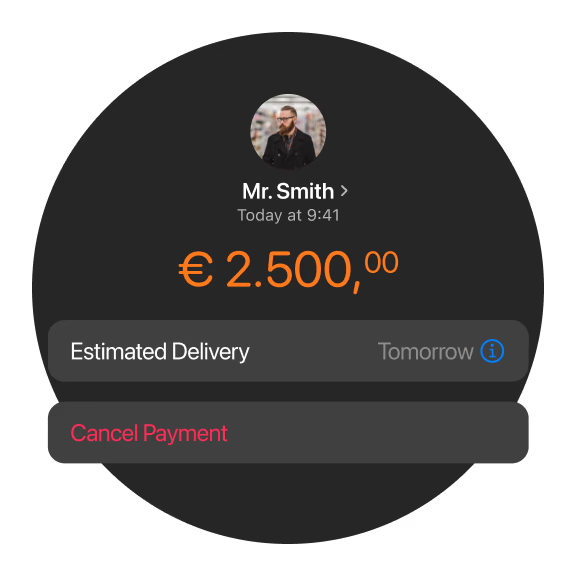
Image Image
Image

We've got your back

Just in case anything does go wrong, you can reach us 24/7/365. If you're a victim of fraud, a hack, want to report phishing, or report a security vulnerability please use one of our forms. For other matters, please contact our support team. Our guides are available day and night to help you with emergencies. We speak your language and move quick when your money's on the line. Explore all the ways you can get in touch with us on our Contact page. To secure your online banking, use strong, unique passwords, enable two-factor authentication (2FA), avoid public Wi-Fi, regularly monitor accounts for fraud, keep your software updated, and always log out after sessions, watching for phishing scams and ensuring you're on your bank's official

LGM Security FAQs

It's very safe if you follow security best practices and your bank uses modern security (encryption, MFA). Banks protect their systems, but you're responsible for your login credentials and device security.

An extra security layer requiring a second code (from text, app, or email) after your password, stopping hackers even if they have your password. Set it up in your bank's security settings.

No, avoid it! Public Wi-Fi is insecure; use your private home network or cellular data instead. A VPN can add protection if you must use public Wi-Fi, says UCCU.

Check your account activity often and report any unauthorized transactions to your bank immediately.

Yes, our mobile banking app uses the same encryption and security measures as our online banking platform. However, it's still important to use a secure password and keep your device's operating system and app up to date.

A mix of uppercase/lowercase letters, numbers, and symbols, ideally 12+ characters long, unique to your bank account, and not easily guessable (avoid birthdays). Use a password manager to keep track.

Every 3-6 months, or immediately if you suspect any suspicious activity.

Enable account alerts (balance, transaction), keep your device OS and antivirus updated, use strong device locks (biometrics), don't use public/shared computers, and always log out after banking.

We recommend changing your password every 60-90 days to ensure maximum security.

We strongly advise against using public computers or public Wi-Fi to access your online banking account, as these networks may not be secure. Instead, use a secure, private network or a mobile hotspot.